Something on my credit report is wrong
Tell us what happened and attach your report. A consumer-protection attorney reviews it at no cost.
- Free, with no obligation
- No PDF? Photos of up to 5 pages work too
- Your information is kept encrypted


For consumers and consumer-protection law firms
ClaroCredit reads consumer credit reports page by page, flags possible errors with the page they came from, and puts a consumer-protection attorney on the review.


Tell us what happened and attach your report. A consumer-protection attorney reviews it at no cost.
Intake, reading, flags with evidence, attorney review and case management in one place.
Dealerships, lenders and rental communities: give the customers you can't approve today a free way to have their credit report checked. They send it themselves; you never share a report.
Turned down?
When a business turns you down because of your credit report, you can get your report free from the credit bureau the business used: ask within 60 days of the notice. Send it to us, and a consumer-protection attorney reviews it at no cost.
Turned down for something else? Start here.
What we check
The problems that come up again and again on consumer credit reports, in plain words. Some the software flags on its own; the attorney who reviews the report looks for all of them.
In a Federal Trade Commission study of credit report accuracy, one in five consumers had an error on at least one of their three credit reports.
The same study found that five percent of consumers had errors on one of their three major credit reports that could lead to them paying more for products such as auto loans and insurance.
Cards, loans or collections you never opened, sometimes a sign of identity theft.
A balance you paid, a debt wiped out in bankruptcy, or a late payment that never happened.
You told the credit bureau something was wrong, and nothing changed.
An old debt reported with a newer date, so it stays on your report longer.
One debt shown by two collectors, each with a balance.
A living person reported as deceased, which can shut them out of credit.
Someone else's name, address or accounts mixed into your report.
Account numbers hidden or details left out of your own copy of the report.
Free report review
Tell us what happened and attach your report. A licensed consumer-protection attorney reviews it at no cost, and you are under no obligation.
Free, with no obligation. Fields marked optional can stay empty.
How to get your report, free
Turned down recently?
Your notice names the credit bureau the business used. Ask that bureau for your free copy within 60 days of the notice.
Anyone, any time
AnnualCreditReport.com is the official site for free credit reports. Free, once a week, from each of the three nationwide credit bureaus.
Tip: save each report as a PDF before you close the window, and send that. No PDF? Clear phone photos of up to five pages work too.
Source: Federal Trade Commission (opens in a new tab)For law firms
ClaroCredit takes in each report, reads it, flags what may be wrong with the page it came from, and keeps every case moving on one board. Your attorneys make every call.
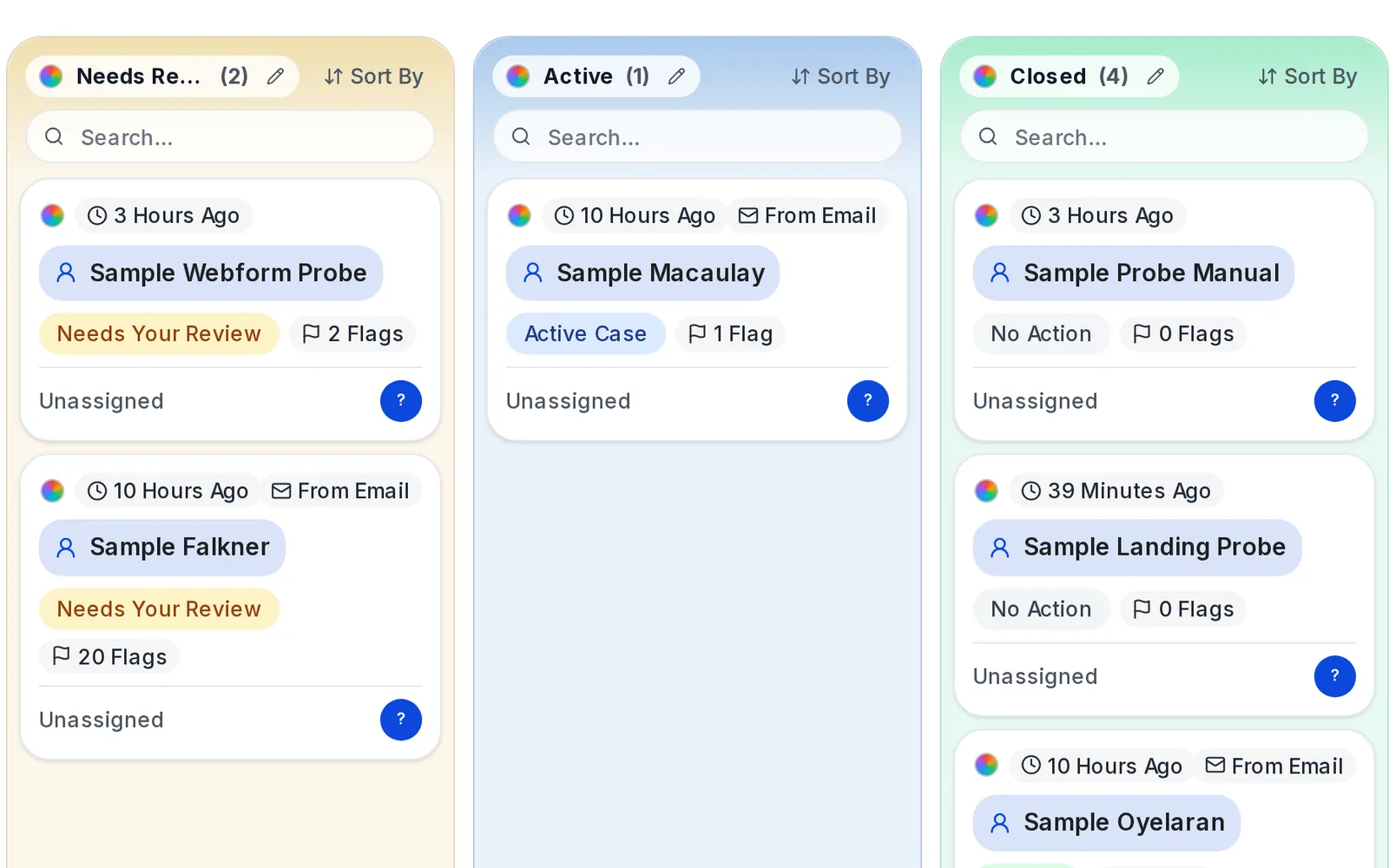
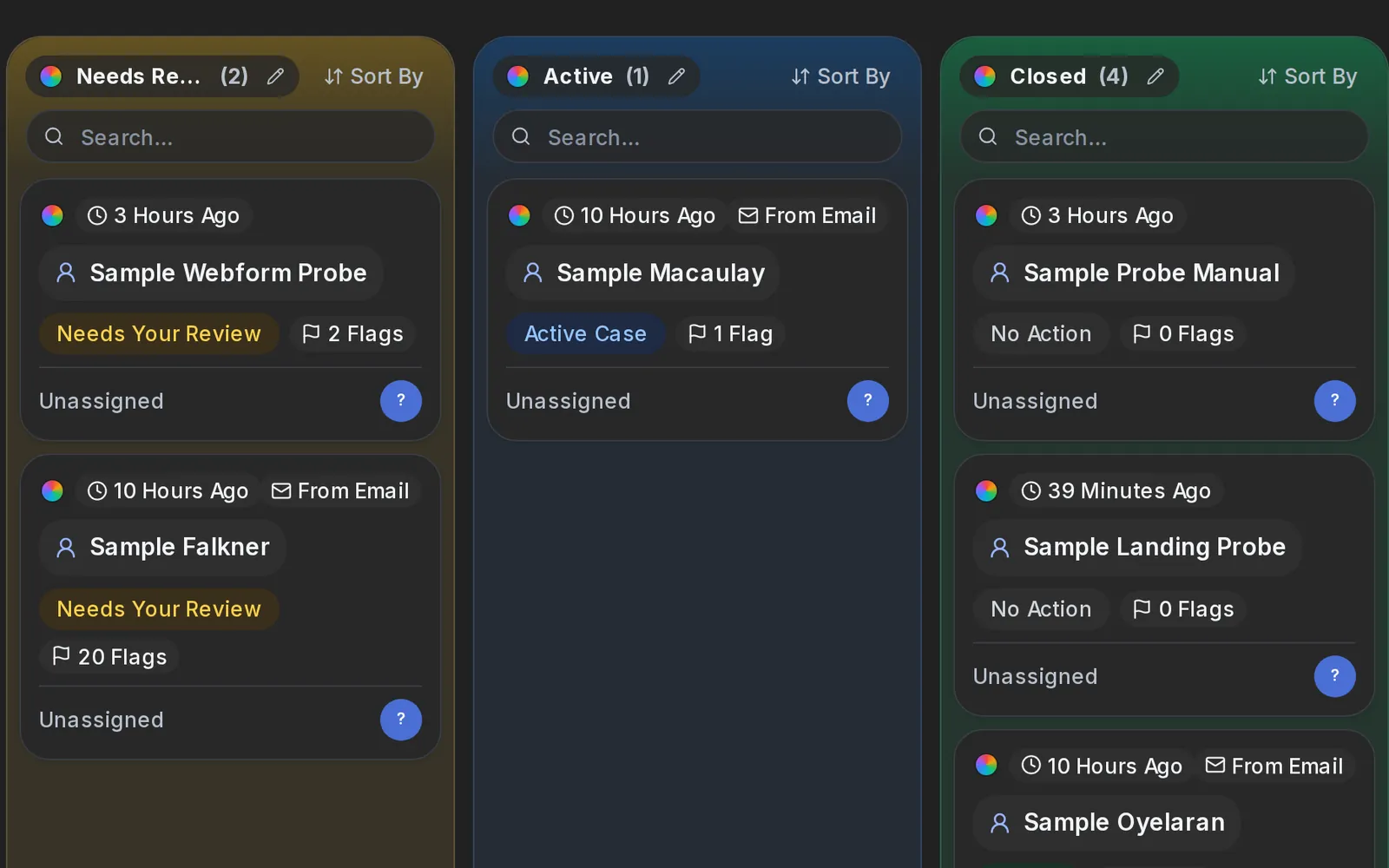
Every case is a card on one board, from the first report to the outcome. Drag a card to any lane, and name and colour the lanes your own way.
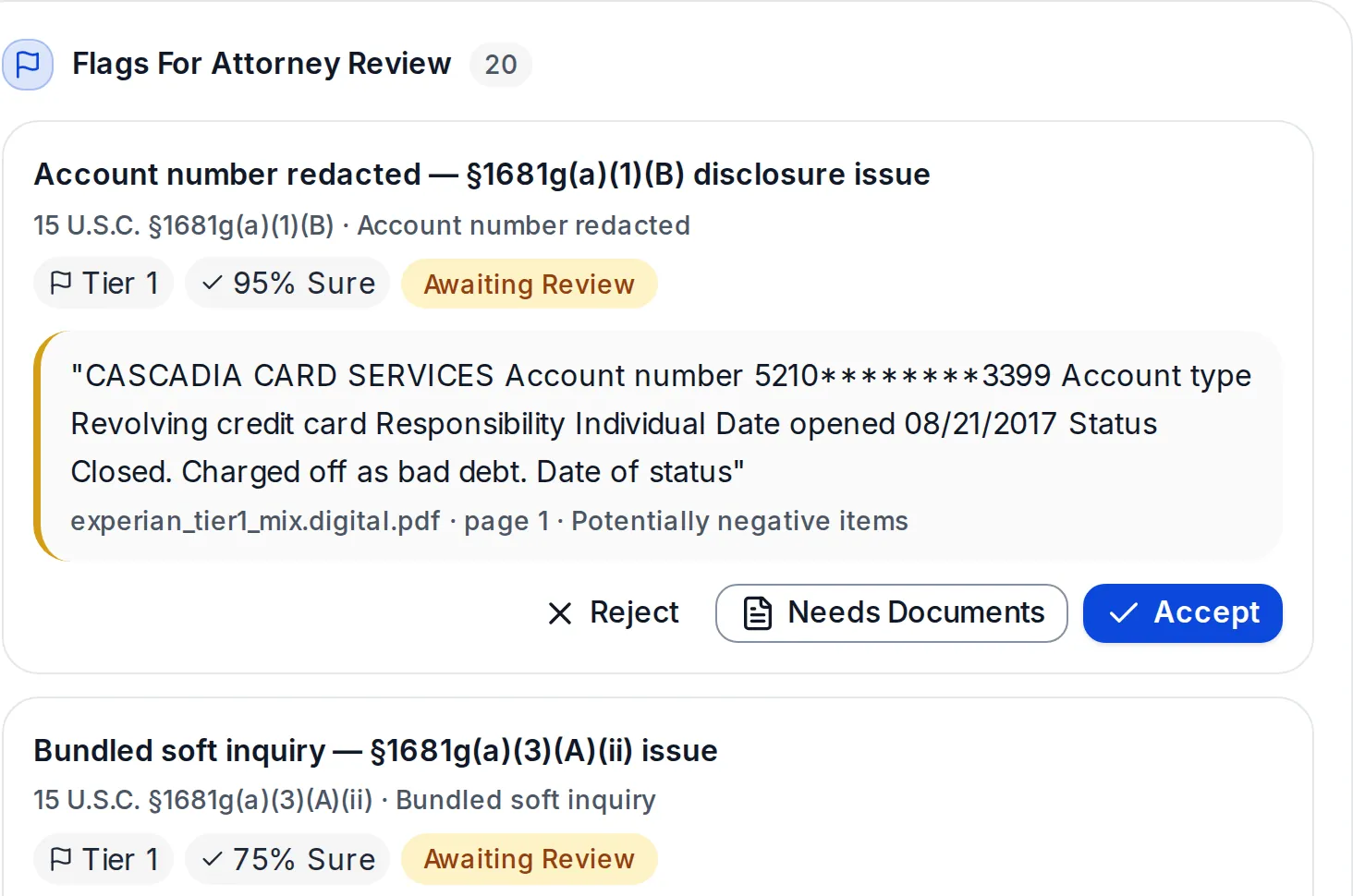
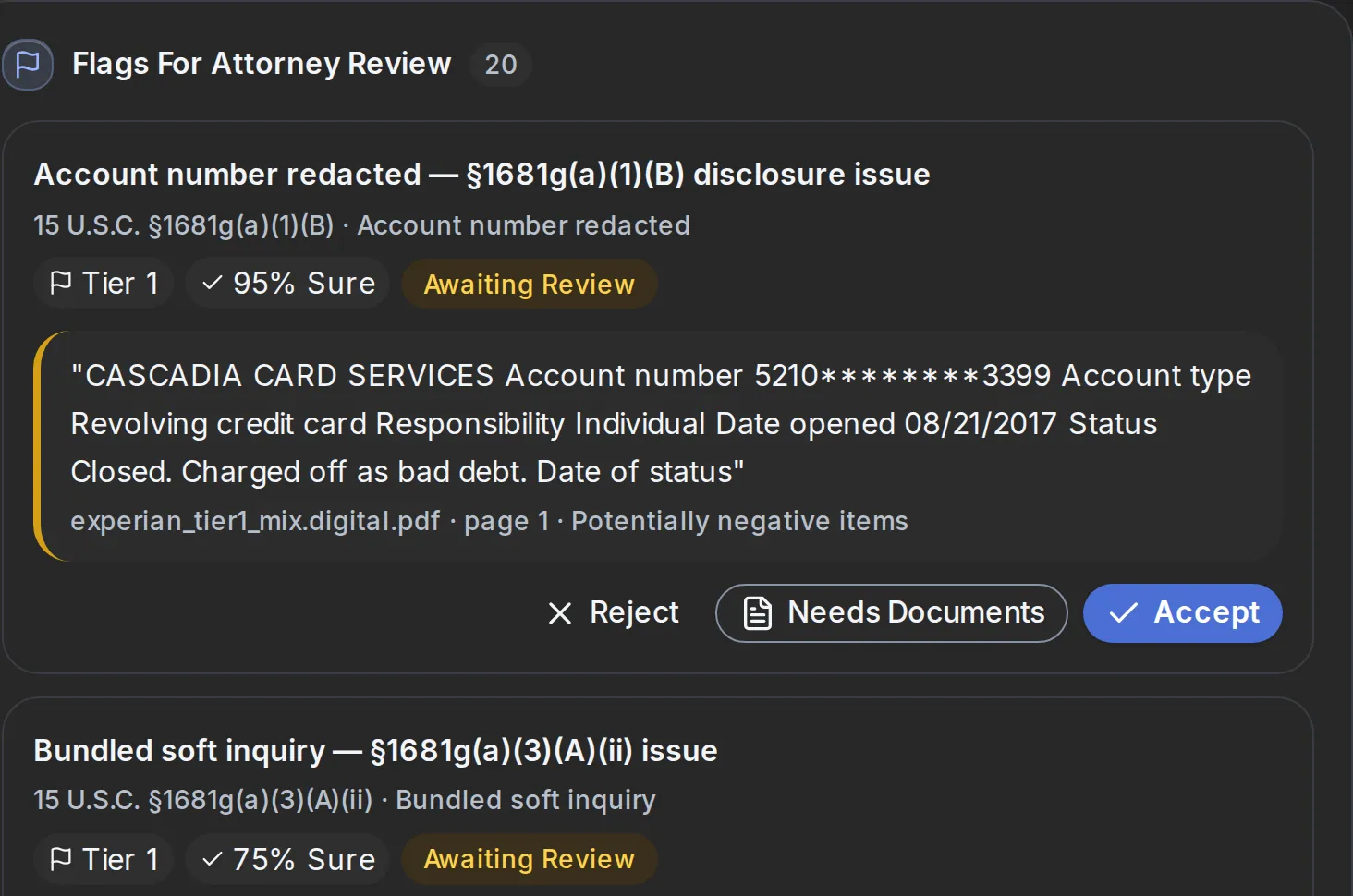
A possible error arrives with the words from the report and the page they came from. The attorney accepts it, rejects it, or asks for more documents.
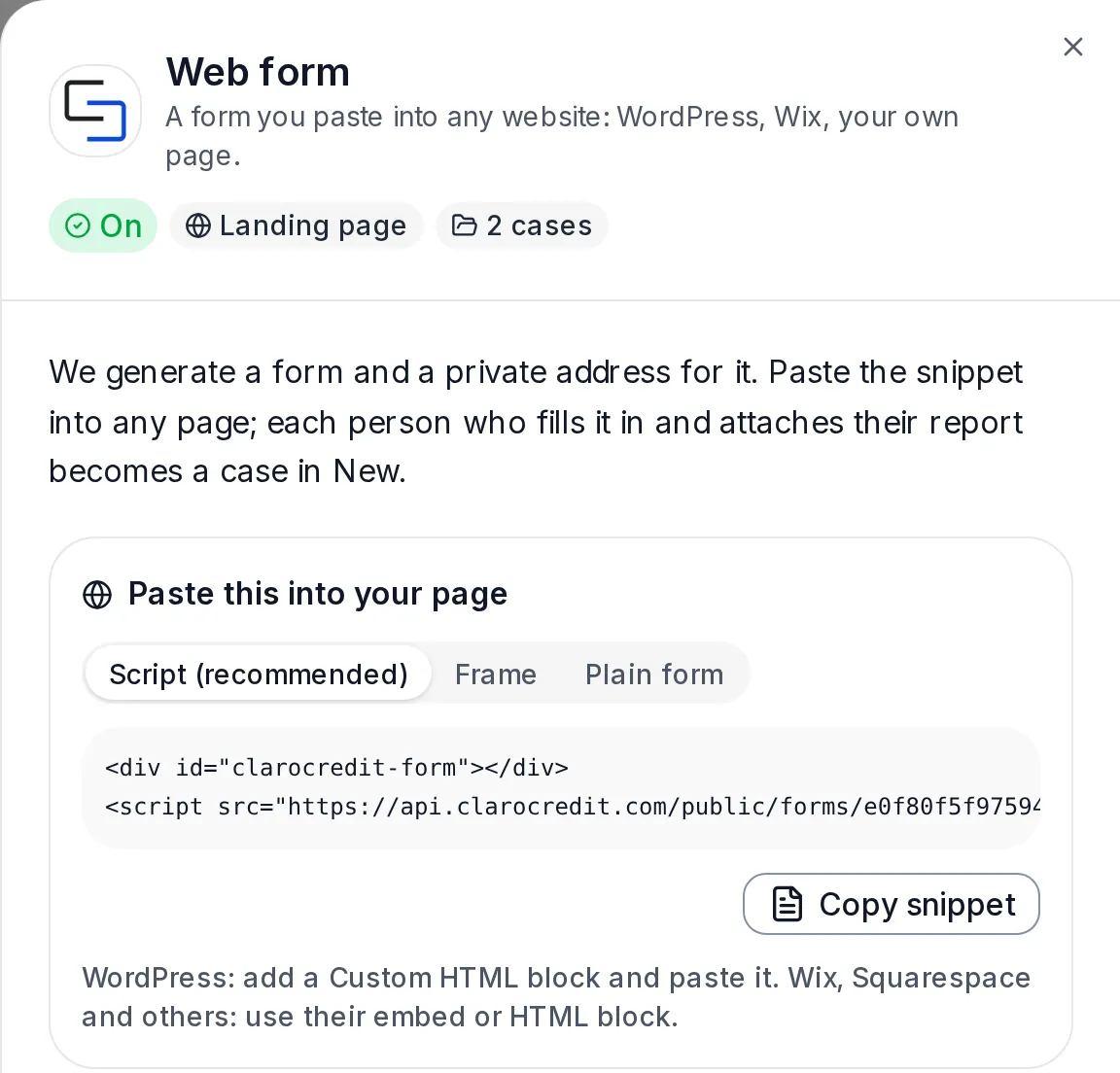
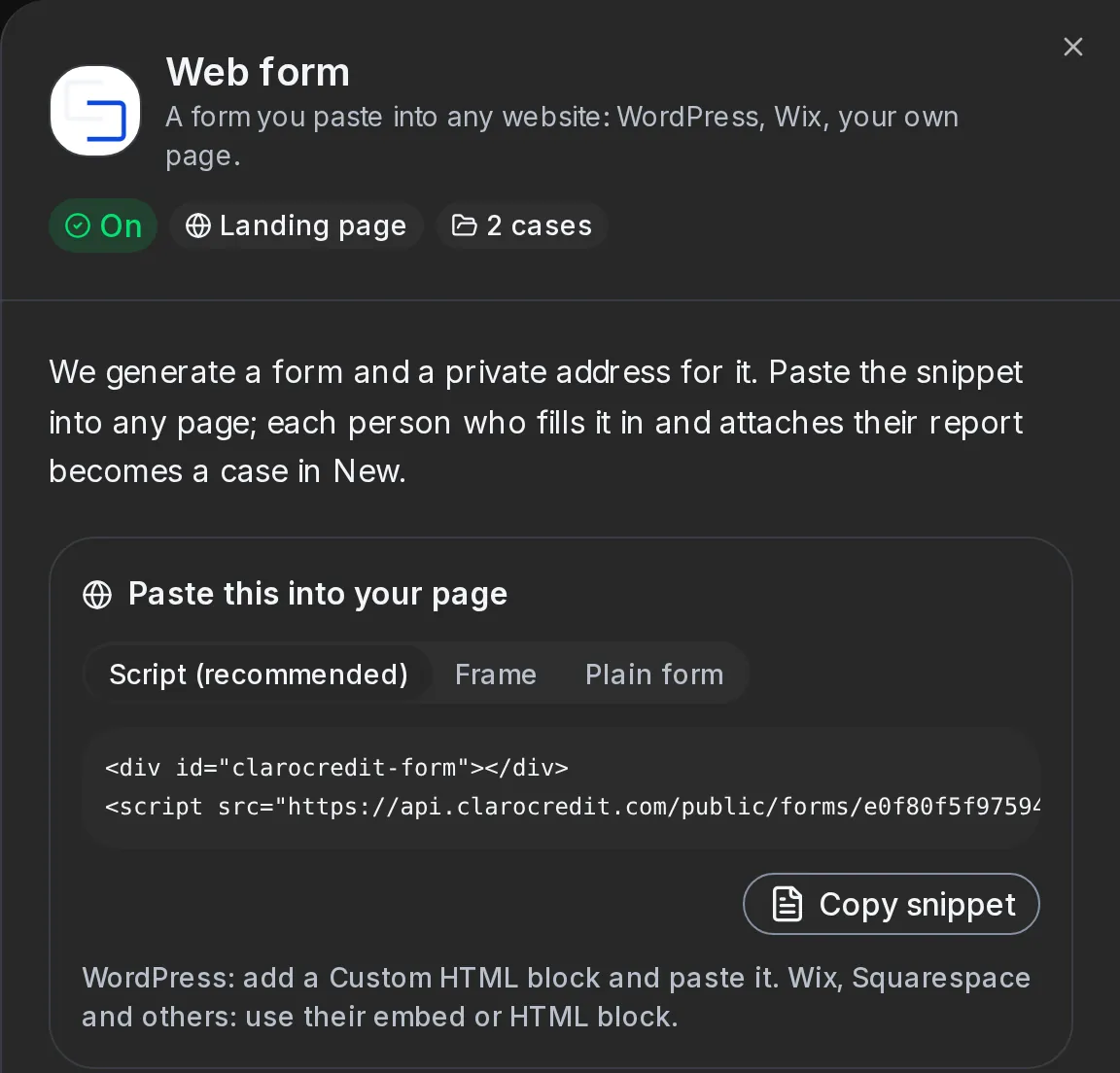
Put the web form on your own website: every report sent through it becomes a case on your board and is read right away. Or upload a report by hand.
Access for law firms is by request for now. Tell us about your practice and we will be in touch.
How it works
The same four steps whether it is your own report or your client's.
Through the form on this page, a firm's own web form, or uploaded by hand.
Every page, every account, every inquiry, the moment the report arrives.
Each flag carries its evidence: the words from the report and the page they came from.
A licensed attorney reviews every flag and decides what happens next. Never software.
Built for trust
A credit report is one of the most personal documents a person has. ClaroCredit is built to treat it that way.
Sensitive numbers, like a Social Security number, are encrypted and shown only as the last four digits. Reports travel over encrypted connections.
Who did what, and when, is written to an audit trail. A case's history is added to, never edited.
Software reads and flags. A licensed attorney decides what a flag means and what happens next - always.
FAQ
Short answers for people checking their report, for law firms, and for businesses that run credit on their customers.
No. Asking for your own credit report does not hurt your credit score: checking your own report is not an inquiry about new credit.
Source: Consumer Financial Protection Bureau (opens in a new tab)The review is free. If an attorney offers to represent you, the attorney explains the fee in writing before you agree to anything, and the choice is yours. Under the federal credit reporting law, when a consumer wins a case under it, the company held responsible must pay the consumer's court costs and reasonable attorney's fees, in an amount the court decides.
Source: the federal credit reporting law, on costs and fees (opens in a new tab)Contact
A question about ClaroCredit, a demo for your firm, or access for your team: send us a message and we will reply by e-mail.
Or write to info@clarocredit.com
Checking your own credit report? The free report review is the fastest way to an attorney.
Your own report or your clients', ClaroCredit shows what may be wrong, and an attorney decides what happens next.